Creating the ideal desk setup for editing and streaming requires careful planning and attention to detail. You need the right equipment, ergonomic comfort, and organization to stay productive and focused. From choosing the best monitor to managing cables, every element plays a role in your workflow. But how do you combine these components to build a space that’s both efficient and comfortable? Let’s explore the key steps to designing your perfect workspace.
Essential Equipment for Your Workspace
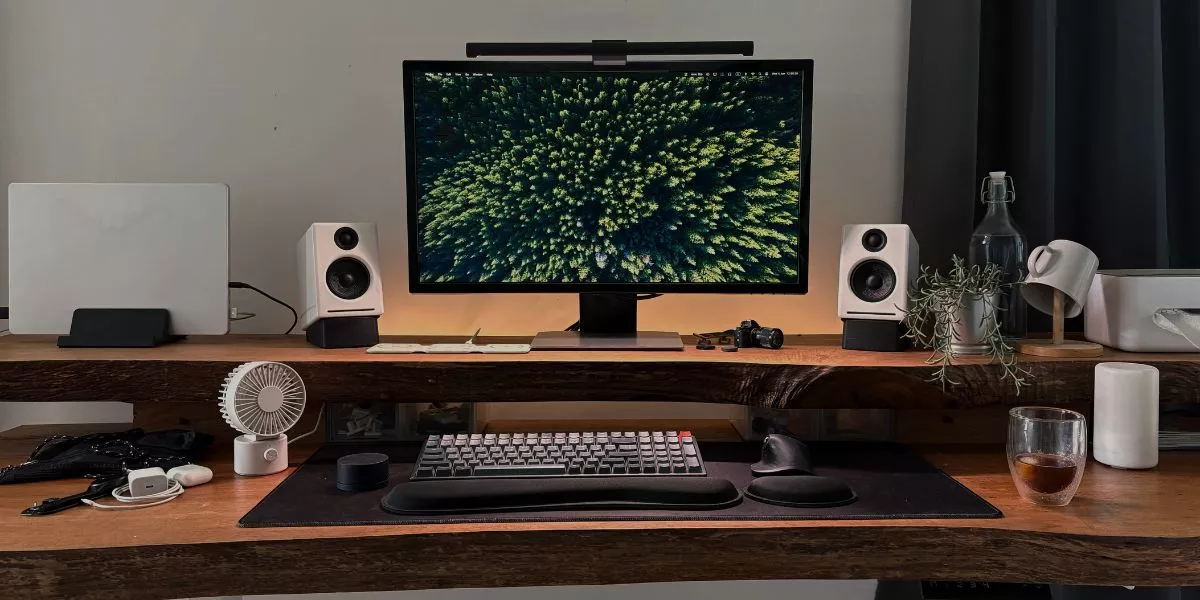
Creating an efficient workspace begins with selecting the right essential equipment. Your monitor is the centerpiece, so choose a high-resolution screen with adjustable height and tilt to reduce eye strain.
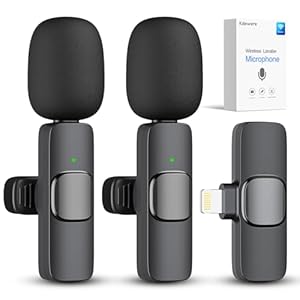
A quality keyboard and mouse are vital for comfortable, precise control during long editing or streaming sessions. Invest in a reliable microphone and headphones to ensure clear audio quality.
A sturdy desk with enough space helps keep everything organized and within reach. Consider a good power strip or surge protector to manage your devices safely.
Additionally, a webcam with high resolution enhances your streaming quality. These essentials form the foundation of a productive setup, enabling you to work efficiently, stay comfortable, and deliver professional results every time.
Ergonomic Tips for Comfort and Efficiency
To work comfortably and efficiently, prioritizing ergonomic principles is essential. Start by adjusting your chair so your feet rest flat on the floor and your knees are at a 90-degree angle. Keep your lower back supported with lumbar cushioning or an ergonomic chair.
Position your monitor at eye level to avoid neck strain, about an arm’s length away. Use an adjustable keyboard and mouse, placing them so your wrists stay straight.
Take regular breaks to stretch your hands, neck, and shoulders, reducing tension. Maintain good posture by sitting upright with shoulders relaxed.
Proper ergonomics help prevent discomfort and fatigue, boosting your focus and productivity during long editing or streaming sessions. Small adjustments can make a big difference in your comfort.
Organizing Your Desk for Maximum Productivity
A well-organized desk minimizes distractions and streamlines your workflow, allowing you to focus on editing and streaming without unnecessary clutter. Start by decluttering your workspace, removing anything that doesn’t serve a purpose during your sessions.
Use trays, drawers, or cable organizers to keep cables and accessories tidy. Position your most-used tools within easy reach to avoid interruptions. Keep your monitor and peripherals aligned to promote good posture and efficient movement.
Designate specific zones for different tasks—editing, streaming, and breaks—so everything has a place. Regularly clean and reassess your setup to maintain order.
An organized desk reduces mental clutter, boosts focus, and increases your overall productivity. Staying tidy isn’t just about aesthetics; it’s about creating a workspace that works for you.
Additional Accessories to Enhance Your Setup
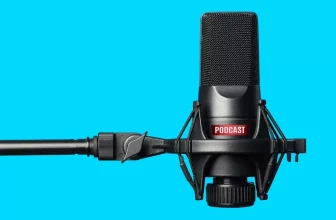
Adding the right accessories can significantly boost your productivity and comfort during editing and streaming sessions. A quality microphone ensures clear audio, which is crucial for streaming and recording. Consider a pop filter to improve sound quality and reduce unwanted noise.
An adjustable monitor arm offers flexible positioning, preventing neck strain during long hours. A desk mat can protect your surface and add comfort under your keyboard and mouse.
Additionally, a cable management system keeps cords organized, minimizing clutter and distractions. A secondary monitor or a tablet stand can expand your workspace and improve multitasking.
Lastly, a comfortable wrist rest can prevent strain during extended typing or editing. These accessories not only enhance your setup’s functionality but also contribute to a more ergonomic, efficient workspace.
Conclusion
Creating the perfect desk setup for editing and streaming is all about prioritizing comfort, organization, and efficiency. By choosing ergonomic gear, managing cables, and adding essential accessories, you’ll boost your productivity and stay comfortable during long sessions. Regular breaks and a clutter-free space keep you focused and professional. Invest in these key elements, and you’ll transform your workspace into a powerful, comfortable environment that supports your creative and streaming goals.
Trending Products